Arc Quantum Asset Hub — RWA Tokenization Platform
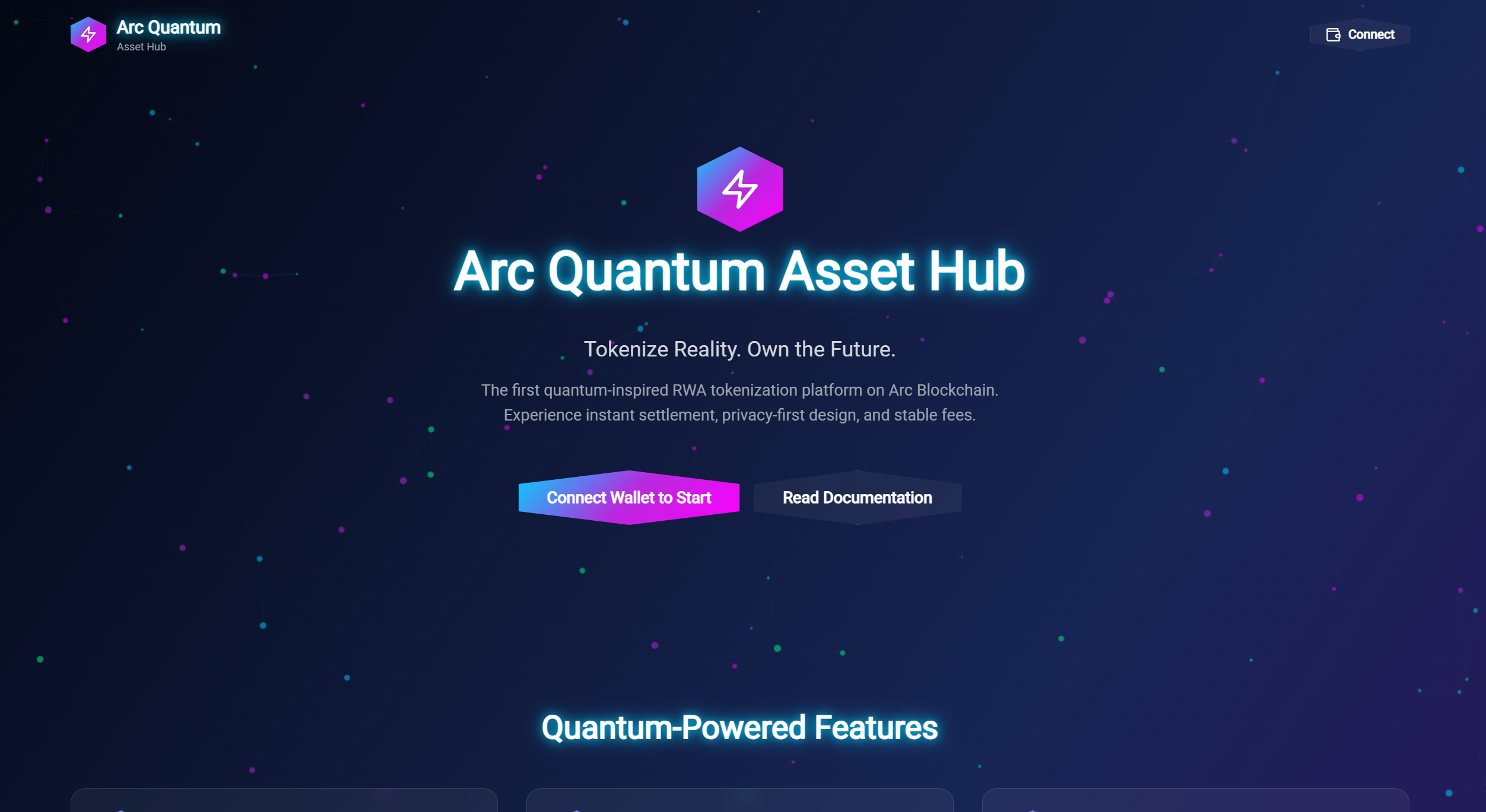
Arc Quantum Asset Hub is a visually stunning Real-World Asset (RWA) tokenization platform built for Arc Blockchain testnet. This project showcases unique quantum-inspired UI design with hexagonal buttons, particle effects, radial navigation, and 3D asset visualizations built with cutting-edge web technologies.
Overview
Arc Quantum Asset Hub represents the future of RWA tokenization with an immersive, visually striking interface. Built on Arc Network's stablecoin-native infrastructure, the platform enables users to create, manage, and trade tokenized real-world assets with a quantum-themed aesthetic that sets it apart from traditional DeFi platforms.
Unique Design Features
🎨 Hexagonal UI Elements
✨ Particle Background
🔄 Radial Navigation
🎭 3D Parallax Effects
💫 Neon Glow Effects
🪟 Glassmorphism
🎬 Smooth Animations
Technology Stack
Frontend
React 18 + TypeScript + Vite
TailwindCSS with custom quantum color palette
Framer Motion for animations
3D Graphics
Three.js
React Three Fiber
React Three Drei
Web3
window.ethereum (MetaMask) integration
Arc Testnet connection
Smart Contracts
Solidity (for RWA tokenization)
QuantumRWA.sol
QuantumFactory.sol
Key Features
Category Filter
- ▸Filter assets by category for easy navigation
- ▸Smooth transitions between categories
Network Switching
- ▸Seamless network switching between testnet and mainnet
- ▸Automatic wallet network detection
Trading Interface
- ▸Intuitive trading interface for RWA tokens
- ▸Real-time price updates
Admin Panel
- ▸Secure admin panel for asset management
- ▸Role-based access control
Dashboard Statistics
- ▸Real-time dashboard with key metrics
- ▸Visual data representation
Toast Notifications
- ▸Non-intrusive toast notifications for user feedback
- ▸Customizable notification types
Installation
# Install dependencies
npm install

# Start development server
npm run dev

# Build for production
npm run build

# Preview production build
npm run preview
Connecting to Arc Testnet
- 1.Install MetaMask or another Web3 wallet
- 2.Click the "Connect" button in the top right
- 3.Approve the connection request
- 4.Your wallet will automatically switch to Arc Testnet (Chain ID: 316450)
📚 Source Code
Built by dhozil for Arc Network Testnet 🚀